The RareBath portal brings client conversations, photo and video files, and invoice management into one place. Each part stays connected to the work it relates to.
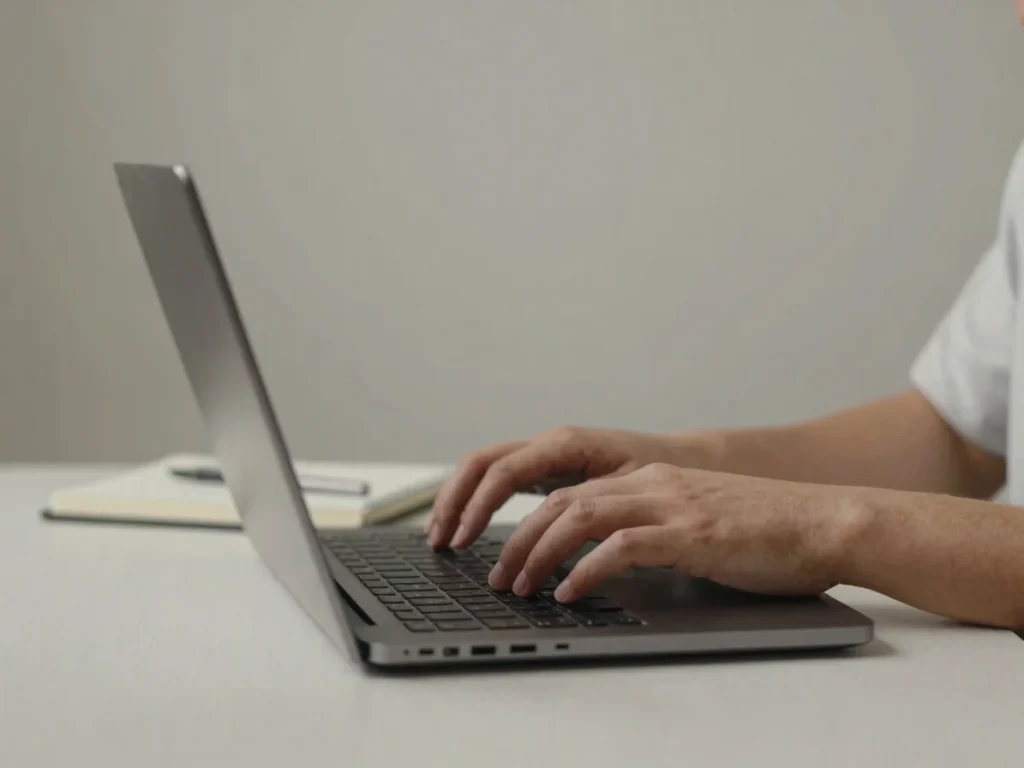
Clients can message the admin directly from the portal. Conversations stay attached to the client work they concern, so context is easy to find.
Media
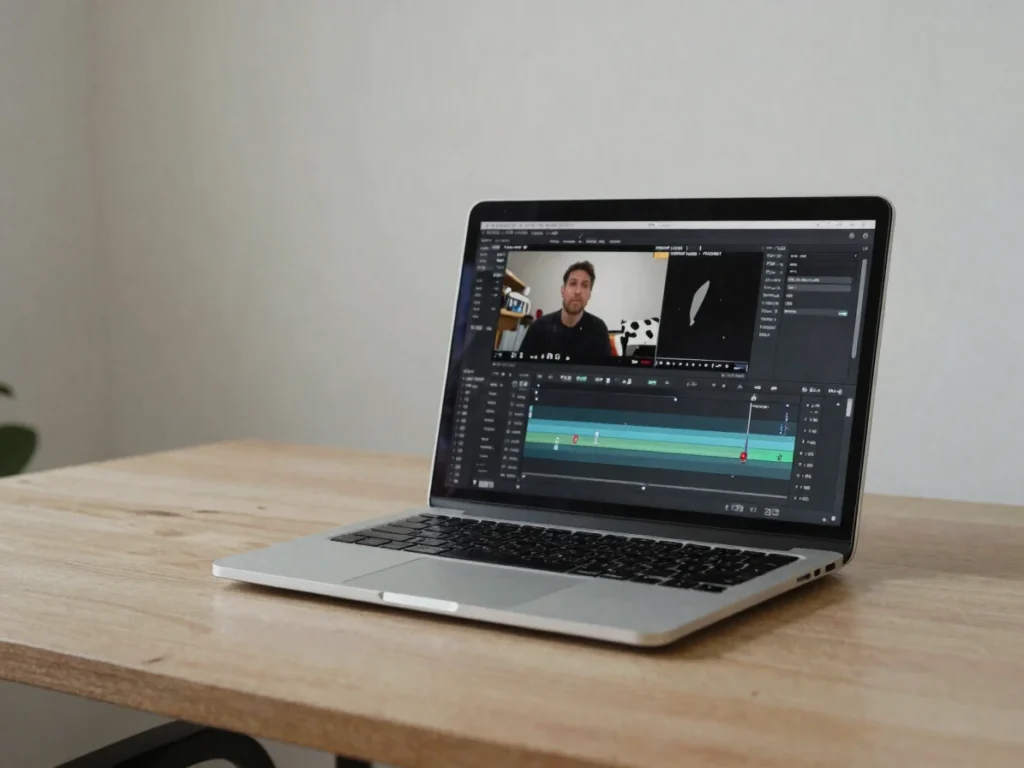
Upload videos
The admin can upload video files into the portal for clients to review. Videos sit alongside the conversation about them, rather than in a separate thread.
Media
Upload photos
Photos are shared through the same portal, so clients can view them and reply in context. Files remain grouped with the work they belong to.
Billing
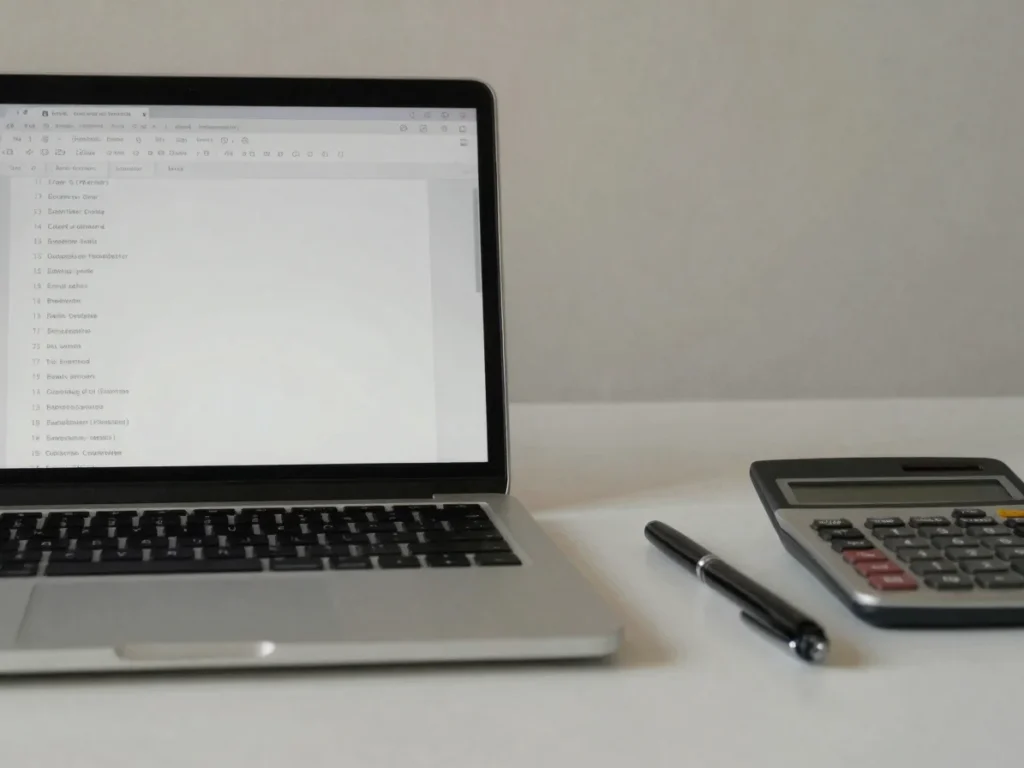
Manage invoices
Administrators organize invoices and statements in the portal, and clients can review current billing without leaving their shared workspace.
How it works
From login to settled invoices
01
Log in
Open the client portal and sign in to reach your shared workspace.
02
Converse and review
Message the admin and review the photos and videos shared with you.
03
Settle invoices
Check current statements and billing details in the same place.